The auto clicker that can see.
Build Android macros that find a button by its image, read text straight off the screen, and decide what to do next.

How it works
Three steps to a macro that reacts.
Build it, or record it
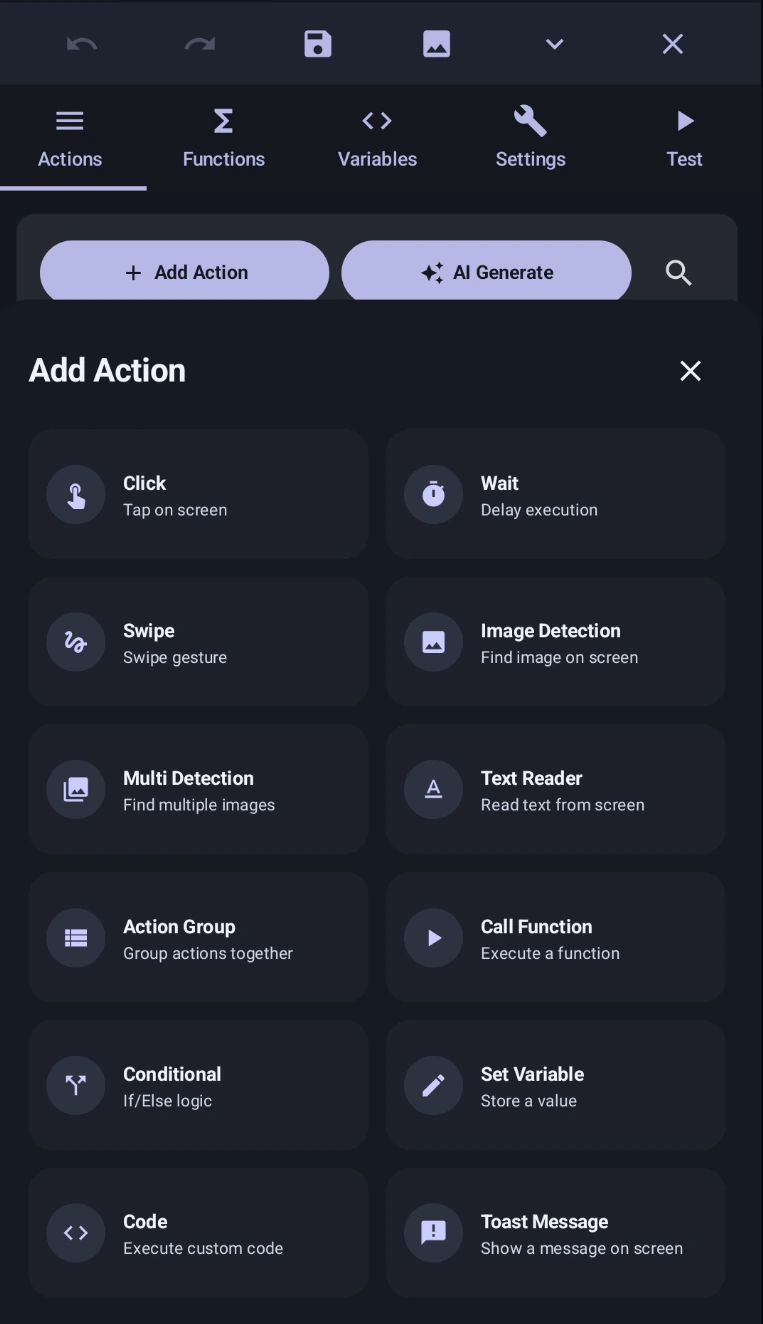
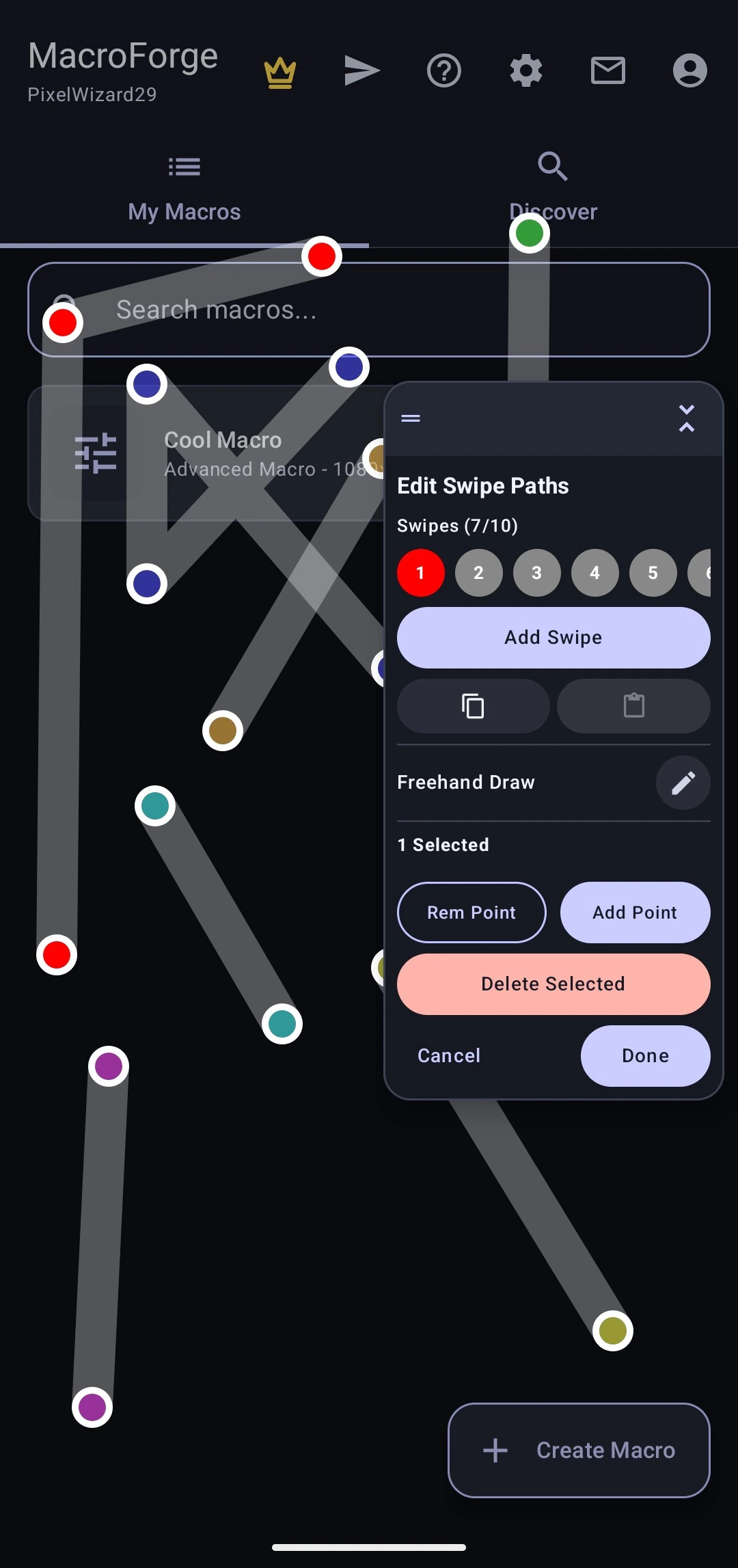
Drop actions into the editor — clicks, swipes, waits, conditionals — or hit record and let it capture the taps and gestures you make.
Give it something to look for
Attach an image, a colour or a piece of text as the target. The macro now reacts to what is on screen instead of firing at fixed coordinates.
Run it and watch the log
Start it from the floating overlay without leaving the app you are automating. Every step it takes is traced, so a miss tells you exactly where it went wrong.
Features
Everything a macro needs to survive a moving target.
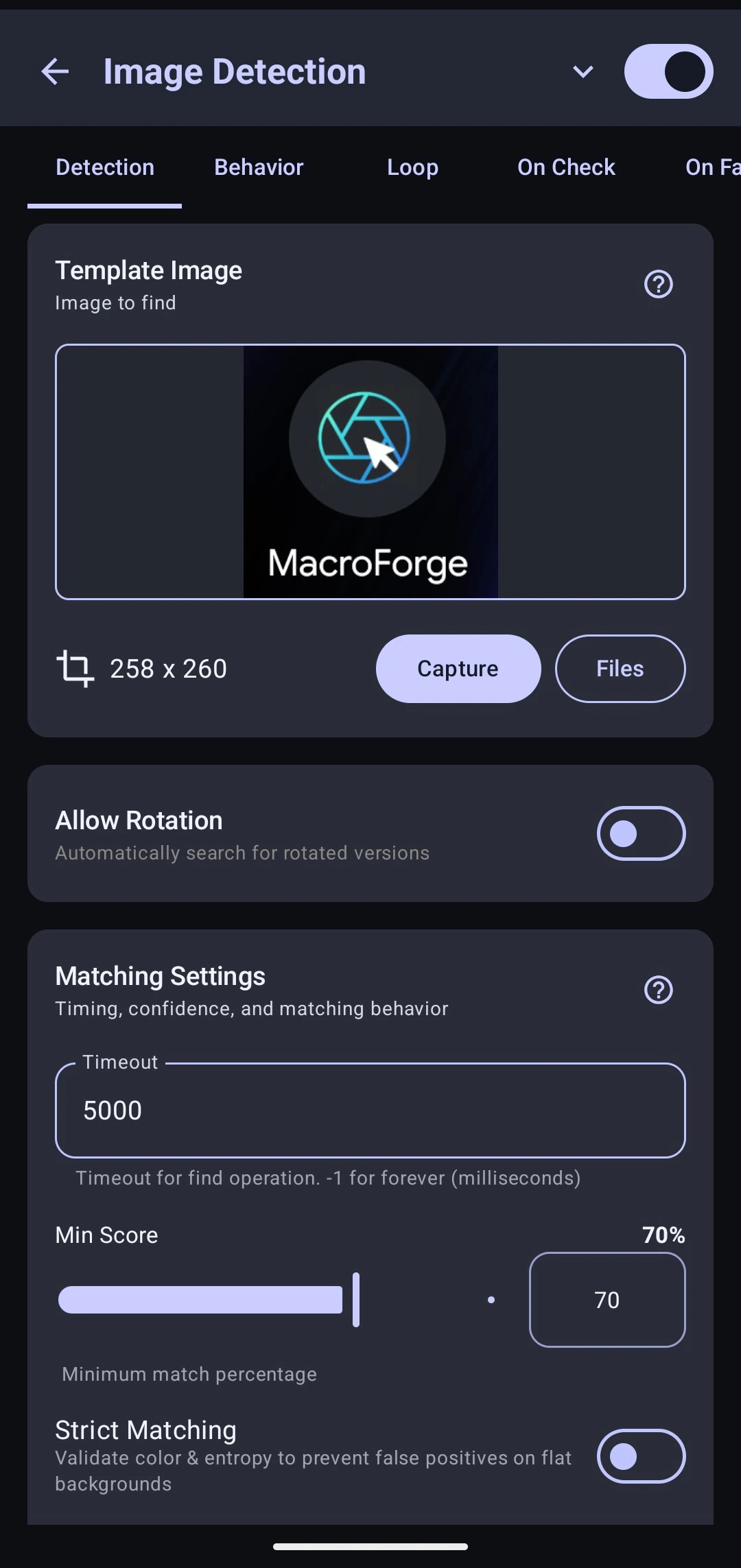
Image detection
Match a template or a colour anywhere on screen, then act on where it was found. Scales across resolutions, so a macro built on one phone still lands on another.
Reads text on screen
Point the text reader at a region to read it, find a phrase, or tap the words themselves — no fixed coordinates to break the next time the layout moves.
GScript
A real scripting language with 29 built-in classes covering screen, touch, files, HTTP, clipboard and time. Drop into code wherever the visual editor runs out.
Logic, not just playback
Conditionals, loops, functions and variables are first-class actions. Macros can branch on what they see instead of replaying the same taps and hoping.
No root, no PC
Runs entirely on the device through Android accessibility. Nothing to unlock, nothing to flash, no desktop bridge left running in the background.
No interruptions
No interstitials, no overlay ads, nothing that steals a tap while you are building or while a macro is running.
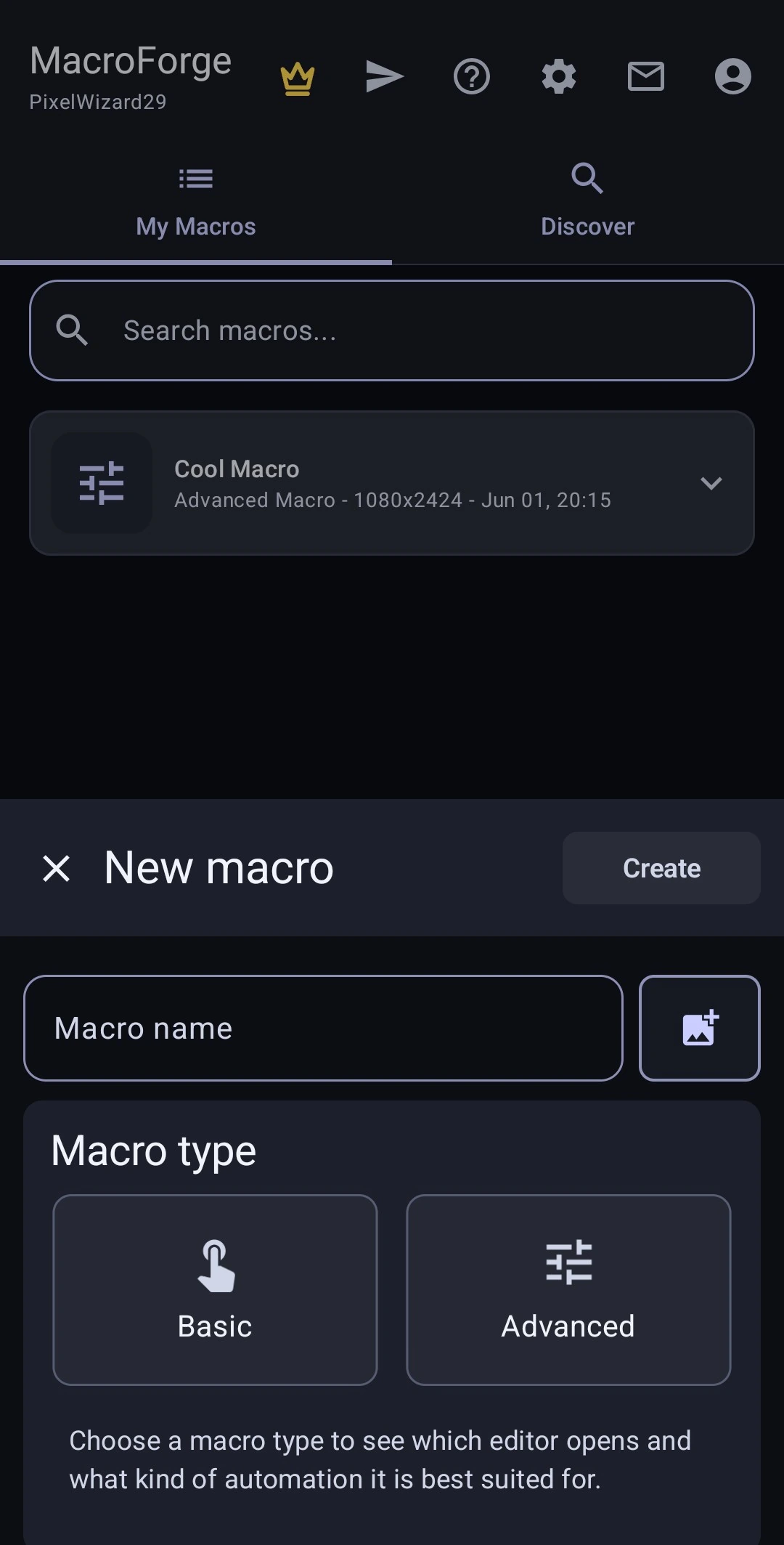
New macro
1.61s·9 steps
Debugging
Every step it took,
in the order it took them.
Execution logs record each action, its result and how long it took — including the misses. When a detection fails you can see which template, at what score, at what moment, instead of guessing why the macro stopped doing anything.
Automate anything. No limits, no compromise.
Questions
Before you install
No. It runs entirely on the device through Android’s accessibility service, which is the same permission a screen reader uses. There is nothing to unlock, nothing to flash, and no desktop app that has to stay connected.
Stop tapping. Start automating.
Free to install, free to build with, and no ads interrupting a running macro.